A single creative idea can take many visual forms. A city street might become a watercolor painting, a detailed digital illustration, or a cinematic 3D scene. AI image generators interpret these differences through visual instructions, reference images, color relationships, lighting, and composition. Understanding how they handle artistic styles makes it easier to turn an abstract concept into a deliberate visual result. The key lies in knowing which details define a style and how to communicate them clearly.
How AI Image Generators Interpret Different Artistic Styles
Style Begins With More Than a Name
When someone requests an oil painting or a cartoon illustration, an ai photo generator needs more than the style label to shape the result. Each artistic direction contains several visual characteristics. Oil painting often involves visible brushwork, layered colors, and textured surfaces. Watercolor relies on transparent washes, soft transitions, and irregular pigment patterns. Cartoon illustrations often feature simplified shapes, expressive outlines, and exaggerated proportions. The system interprets these visual relationships alongside the subject and scene. This explains why specific descriptions usually produce more intentional results than broad style names alone.
From Flat Graphics to Three-Dimensional Scenes
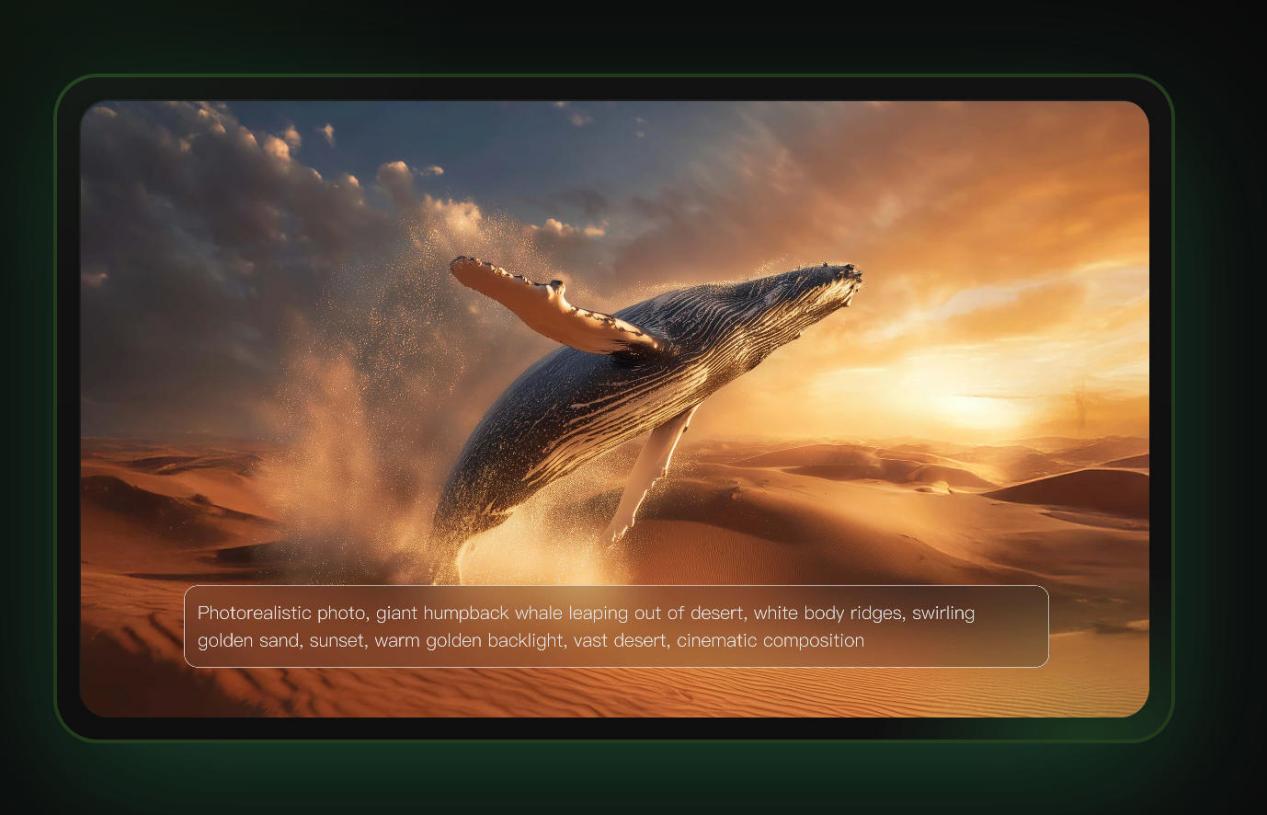
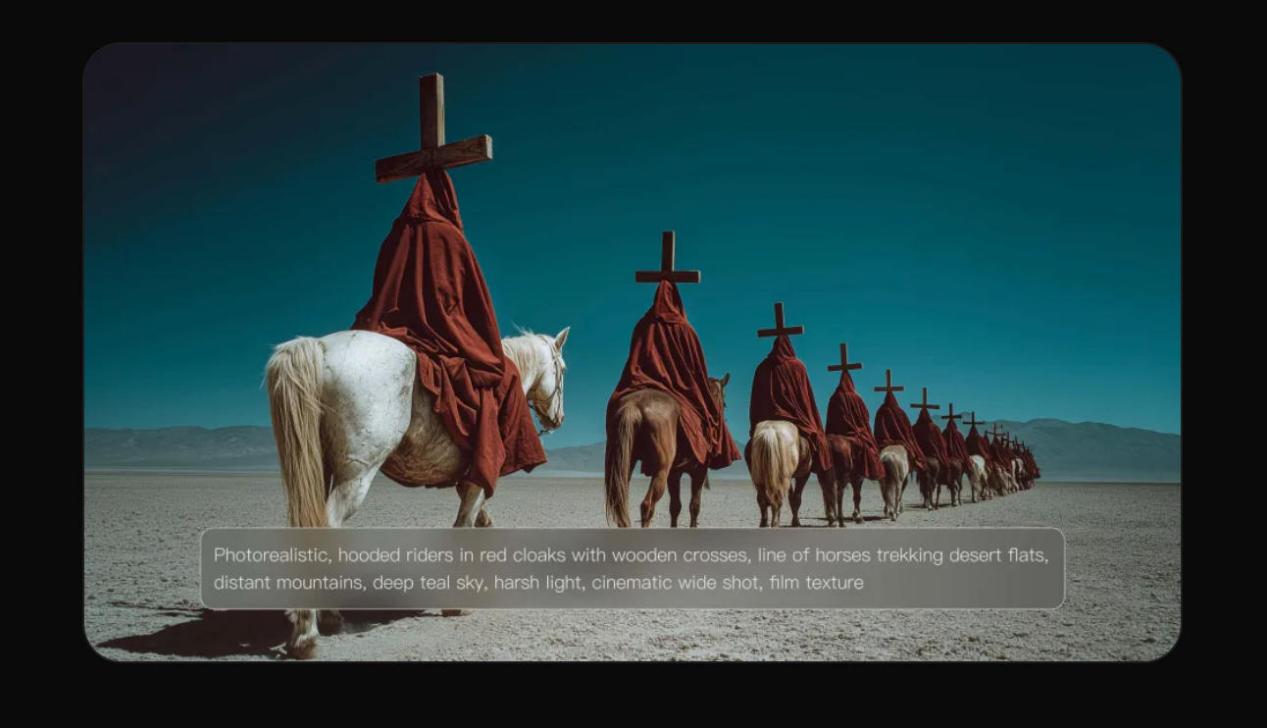
Different art styles also communicate depth in different ways. Flat vector illustrations rely on clean outlines, solid color areas, and simplified geometry. Three-dimensional artwork introduces volume through lighting, shadows, material properties, and perspective. Anime-inspired illustrations often combine expressive characters with carefully controlled backgrounds and distinctive color palettes. Photorealistic imagery follows another visual approach, emphasizing realistic textures, reflections, and environmental details. An AI model interprets these characteristics as part of the requested visual direction. The creator therefore needs to describe not only what appears in the image but also how the scene should look and feel.
Color and Lighting Shape the Artistic Identity
Two images can feature identical subjects yet communicate completely different moods through color and lighting. A warm palette with golden highlights often creates a nostalgic atmosphere, while cool blue tones suggest a quieter, more restrained visual environment. Dramatic directional lighting introduces strong contrast and defined shadows. Soft diffused lighting creates a gentler appearance with smoother tonal transitions. These choices influence how viewers interpret the finished artwork. When writing a prompt, creators should connect lighting and color to the intended style rather than treating them as unrelated decorations. This produces a more coherent visual direction.
How to Guide AI Toward a Consistent Artistic Result
Reference Images Establish a Clear Visual Direction
Written descriptions provide creative instructions, but reference images offer another way to communicate visual preferences. A reference might show a character’s appearance, a particular color palette, a material texture, or the composition of an illustration. The AI system can use these visual elements as guidance when generating a new image. Kling IMAGE 3.0 supports references from up to 10 images, bringing their defining qualities into one cohesive result. This approach is particularly useful when a project combines several artistic influences. Creators can establish a recognizable visual foundation while exploring different interpretations of the original concept.
Refinement Turns an Initial Image Into a Finished Concept
The first generated image often establishes the direction of a project rather than its final appearance. A creator might like the composition but want softer lighting, a different background, or more detailed character features. Refinement allows these individual elements to evolve while preserving the parts that already work. Kling IMAGE 3.0 supports adjustments to composition, lighting, and visual details through further instructions. This makes the creative process more deliberate. Instead of repeatedly describing the entire scene, creators can concentrate on the specific characteristics that need attention and gradually bring the artwork closer to their intended result.
Building a Visual Series Requires Style Continuity
Creating one attractive illustration is different from producing a complete collection. Book illustrations, comic panels, character collections, and marketing visuals often require consistent colors, proportions, and artistic direction across multiple images. A character should remain recognizable even when the scene, camera angle, or surrounding environment changes. Kling IMAGE 3.0 Omni addresses this type of creative workflow by supporting image series with intentional shot progression, varied framing, and a unified visual direction. Its native 4K output also supports detailed visual projects, including storyboards, character development, and comics. Creators can therefore plan a collection as one connected visual project instead of treating every image as an isolated result.
Conclusion
AI image generators handle different art styles by interpreting combinations of visual characteristics, including texture, color, lighting, composition, and depth. Clear prompts establish the artistic direction, while references provide additional visual guidance. Refinement brings individual details into alignment, and consistent generation workflows maintain a recognizable identity across larger projects. Kling AI brings these capabilities together through prompt-based creation, reference-supported generation, and cohesive image series. The result is a more structured approach to exploring artistic possibilities and developing original visual concepts.