
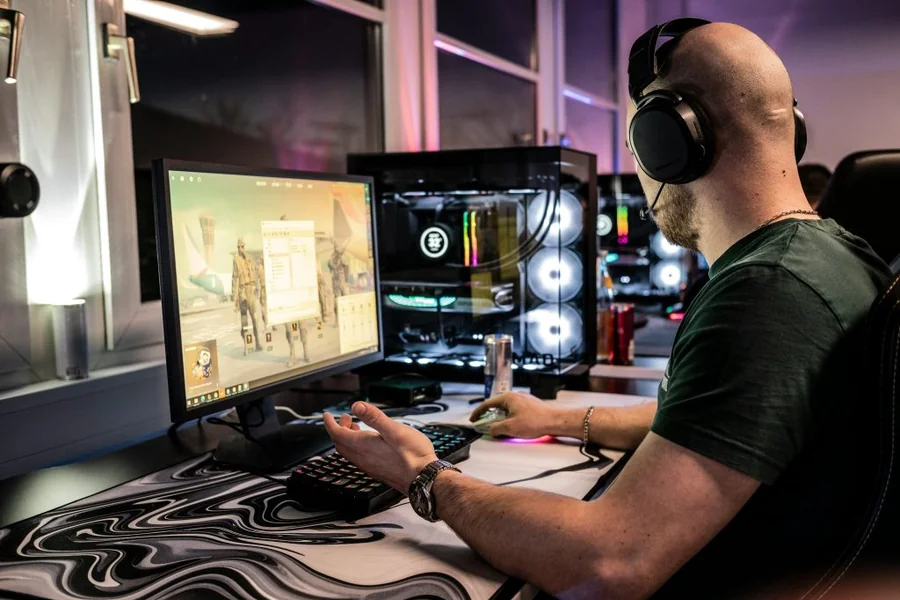
When you’re playing competitive games, even a fraction of a second can make the difference between winning and losing. Whether you enjoy first-person shooters, battle royale games, racing simulators, or MOBAs, quick reactions are essential. Most gamers spend countless hours practicing their aim and improving their skills, but many overlook another important factor that affects performance: their internet connection.
One of the easiest ways to measure your reflexes is by taking a reaction time test, which shows how quickly you respond to visual cues. However, even if your reflexes are excellent, a slow or unstable internet connection can prevent your actions from reaching the game server as quickly as they should.
This guide explains how internet speed, latency, and network stability affect your gaming performance and shares practical tips to help you create a smoother, more responsive experience.
Why Reaction Time Matters in Gaming
Reaction time is the amount of time it takes your brain and body to respond to something happening on the screen. In gaming, that could mean spotting an opponent around a corner, avoiding an incoming attack, helping a teammate, or reacting to a sudden obstacle during a race.
Professional esports players often have reaction times between 150 and 200 milliseconds. While natural ability certainly plays a role, regular practice and a well-optimized gaming setup can make a noticeable difference.
Internet Speed vs. Latency: Understanding the Difference
Many players assume that buying a faster internet package will automatically improve their gaming performance. In reality, internet speed is only one part of the equation. Latency is often even more important.
Internet Speed
Internet speed refers to how much data your connection can transfer each second. Faster speeds make it easier to download games, install updates, stream content, and communicate with teammates without interruptions.
Latency
Latency, commonly called ping, measures how long it takes information to travel between your computer and the game server. Lower latency means your actions are registered more quickly.
As a general guide, a ping below 20 milliseconds is considered excellent. A range between 20 and 50 milliseconds is still very good, while anything above 100 milliseconds may result in noticeable delays during gameplay.
Even an extremely fast internet plan cannot compensate for high latency.
How Faster Internet Supports Better Gaming Performance
Although a faster internet connection won’t physically make your hands move quicker, it helps ensure that your actions reach the server with minimal delay.
Faster Input Registration
Every time you click your mouse or press a keyboard key, that action must be sent to the game server. A stable connection allows those commands to arrive more quickly, improving responsiveness and making the game feel smoother.
Lower Ping During Online Matches
High ping often creates frustrating situations where you react quickly but the server processes another player’s action first. Lower latency reduces these delays, helping your skills translate more accurately into in-game performance.
More Stable Gameplay
Connection problems can lead to rubber banding, sudden freezes, delayed animations, and players appearing to teleport across the map. A reliable internet connection minimizes these issues, allowing you to stay focused on the game instead of fighting technical problems.
Other Factors That Influence Reaction Time
Your internet connection is important, but several other components also contribute to overall gaming performance.
Monitor Refresh Rate
A monitor with a higher refresh rate displays more frames every second, creating smoother motion and making it easier to track fast-moving targets. Many competitive players prefer monitors with refresh rates of 144 Hz, 165 Hz, 240 Hz, or even higher.
Gaming Mouse and Keyboard
High-quality gaming peripherals reduce input delay and provide faster response times. Features such as mechanical switches and high polling rates can improve overall responsiveness.
System Performance
Applications running in the background often consume valuable system resources and internet bandwidth. Closing unnecessary programs before gaming helps your computer dedicate more power to the game itself.
Practice and Muscle Memory
Technology can certainly improve your experience, but consistent practice remains the most effective way to sharpen your reaction speed. Players who enjoy a challenging space strategy game can similarly benefit from consistent practice, particularly when quick decisions and careful planning are essential.
Can Internet Optimization Really Help?
Yes, especially if your computer is using bandwidth for tasks you don’t even realize are running. Automatic updates, cloud storage synchronization, streaming services, and large downloads can all compete with your game for network resources.
Optimizing your connection allows gaming traffic to receive higher priority, leading to a smoother experience. Using an Internet Booster can also help optimize network settings, reduce unnecessary bandwidth usage, and improve connection stability while you play online.
Simple Ways to Reduce Gaming Lag
Using a wired Ethernet connection instead of Wi-Fi is one of the easiest ways to improve connection stability and reduce latency.
Restarting your router from time to time can resolve temporary network issues and refresh your connection.
Whenever possible, choose game servers that are geographically closer to your location. Shorter distances generally result in lower ping.
Before launching a game, pause large downloads, streaming services, cloud backup applications, and software updates that may consume bandwidth.
Finally, keep your network drivers updated to ensure your hardware performs as efficiently as possible.
Does Faster Internet Always Mean Better Gaming?
Not necessarily.
Upgrading from a basic internet plan to an extremely high-speed package won’t automatically eliminate lag if your latency remains high. Competitive gaming depends far more on a stable connection, low ping, and minimal packet loss than on raw download speeds.
Common Misconceptions About Gaming Internet
Many people believe that faster download speeds automatically remove lag, but lag is usually caused by latency rather than bandwidth.
Another common misconception is that quick reflexes alone guarantee success. Even highly skilled players can struggle if their network delays prevent actions from reaching the server on time.
Some gamers also assume modern Wi-Fi is always sufficient. While today’s wireless technology has improved significantly, a wired Ethernet connection still offers the most consistent performance for serious competitive gaming.
Creating a Better Gaming Setup
Improving gaming performance usually involves several small upgrades working together. A stable low-latency internet connection, a reliable router, an Ethernet cable, a high-refresh-rate monitor, responsive gaming peripherals, optimized Windows settings, and regular practice all contribute to a smoother experience.
Each improvement may save only a few milliseconds, but together they can provide a noticeable competitive advantage.
Final Thoughts
Fast reactions are only one part of becoming a better gamer. Your internet connection plays an equally important role by ensuring every movement, click, and decision reaches the game server without unnecessary delays.
While regular practice remains the best way to sharpen your skills, optimizing your network helps you make the most of those improvements. A stable connection, lower latency, and efficient bandwidth management create a smoother gaming experience and allow your true abilities to shine.
If you’re serious about competitive gaming, pay attention to both your reflexes and your network performance. When your skills and your connection work together, you’ll enjoy more responsive gameplay, fewer frustrating delays, and a better chance of coming out on top.