
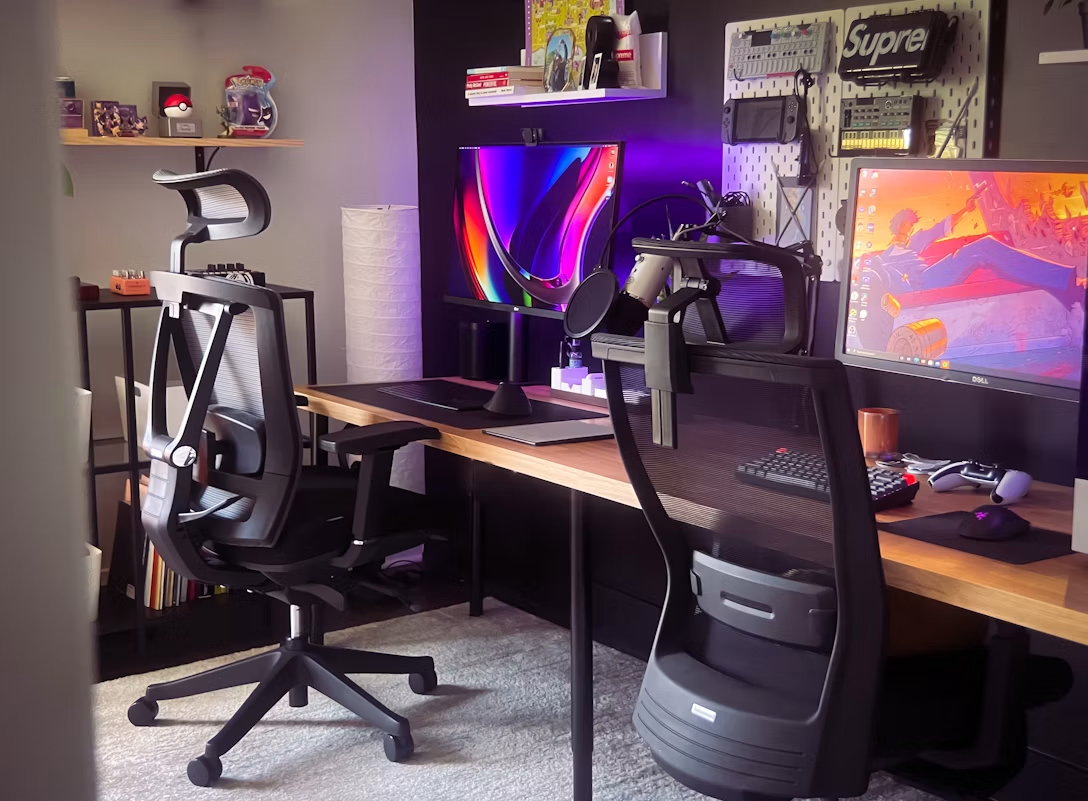
Gaming has changed a lot over the years. What used to be a casual hobby for many people has become something that can involve several hours of sitting at a desk, whether for gaming, streaming, working from home, or even studying. Because of this, comfort is no longer just a nice feature to have. It has become an important part of creating a healthier and more enjoyable setup.
An ergonomic gaming chair is designed to support your body while sitting for extended periods. Although no chair can completely prevent discomfort, the right design can encourage better posture and reduce unnecessary strain on your back, neck, and shoulders.
If you're planning to invest in a gaming chair, it helps to understand which ergonomic features actually make a difference.
What Makes a Gaming Chair Ergonomic?
The word "ergonomic" refers to products designed to work with the body's natural movements and posture.
An ergonomic gaming chair is built to support the natural curves of your spine while allowing you to adjust different parts of the chair to suit your body.
Rather than forcing everyone into the same sitting position, these chairs allow you to personalise the setup for greater comfort.
The goal is to encourage healthy sitting habits while reducing fatigue during long gaming or work sessions.
Adjustable Lumbar Support
One of the most important ergonomic features is lumbar support.
The lower back naturally curves inward, and without proper support, many people begin to slouch after sitting for a while.
Some gaming chairs include removable lumbar cushions, while others have built-in adjustable lumbar support that can be moved to fit the user's lower back.
Proper lumbar support helps maintain a more natural sitting position and may reduce pressure on the lower back during extended use.
High Backrest for Full Spine Support
Unlike many standard office chairs, gaming chairs usually have taller backrests.
A high backrest supports not only the lower back but also the upper back, shoulders, and neck.
This allows your entire spine to remain supported while sitting, particularly during long sessions when fatigue can lead to poor posture.
The backrest should follow the natural shape of your spine instead of encouraging you to lean forward unnecessarily.
Adjustable Armrests
Armrests are often overlooked, but they play an important role in reducing strain on your shoulders and wrists.
Ideally, your elbows should rest comfortably beside your body at roughly a right angle.
Many ergonomic gaming chairs include adjustable armrests that move up, down, forwards, backwards, and sometimes even sideways.
This flexibility allows users to position their arms comfortably, whether they are using a keyboard, mouse, or controller.
Seat Height and Depth Adjustment
Everyone has different body proportions, so seat adjustment is essential.
Your feet should rest flat on the floor with your knees positioned comfortably.
If the chair is too high, pressure can build under your thighs. If it is too low, your knees may sit higher than your hips, which can affect posture.
Some premium gaming chairs also allow seat depth adjustment, ensuring the seat supports your thighs without pressing against the back of your knees.
Reclining and Tilt Functions
Reclining does more than simply provide a relaxing position.
Changing your sitting angle occasionally helps vary pressure on your spine and muscles throughout the day.
Many ergonomic gaming chairs allow the backrest to recline while also providing adjustable tilt tension.
These features allow users to alternate between upright working positions and more relaxed postures when taking breaks.
Breathable Materials
Comfort is not only about support. Temperature also plays a role.
Mesh materials offer excellent airflow, making them suitable for warmer environments.
Fabric upholstery is another popular option because it provides good breathability while remaining comfortable during long sessions.
PU leather remains common because it is easy to clean and gives a premium appearance, although it may retain more heat compared to fabric or mesh.
Choosing the right material depends on your preferences and where the chair will be used.
Strong Frame and Build Quality
An ergonomic chair should also be built to last.
Steel frames generally provide greater durability than plastic alternatives, while high-quality gas lifts and sturdy wheel bases improve long-term reliability.
Checking the chair's weight capacity can also provide insight into its overall construction quality.
A durable chair is more likely to maintain its support over years of regular use.
Good Sitting Habits Still Matter
Even the best ergonomic gaming chair cannot completely offset the effects of sitting for long periods.
Standing up regularly, stretching, and taking short breaks remain important.
Your monitor should also be positioned at eye level, while your keyboard and mouse should allow your arms to stay relaxed.
Good ergonomics come from combining the right chair with a well-organised workstation and healthy daily habits.
Common Mistakes to Avoid
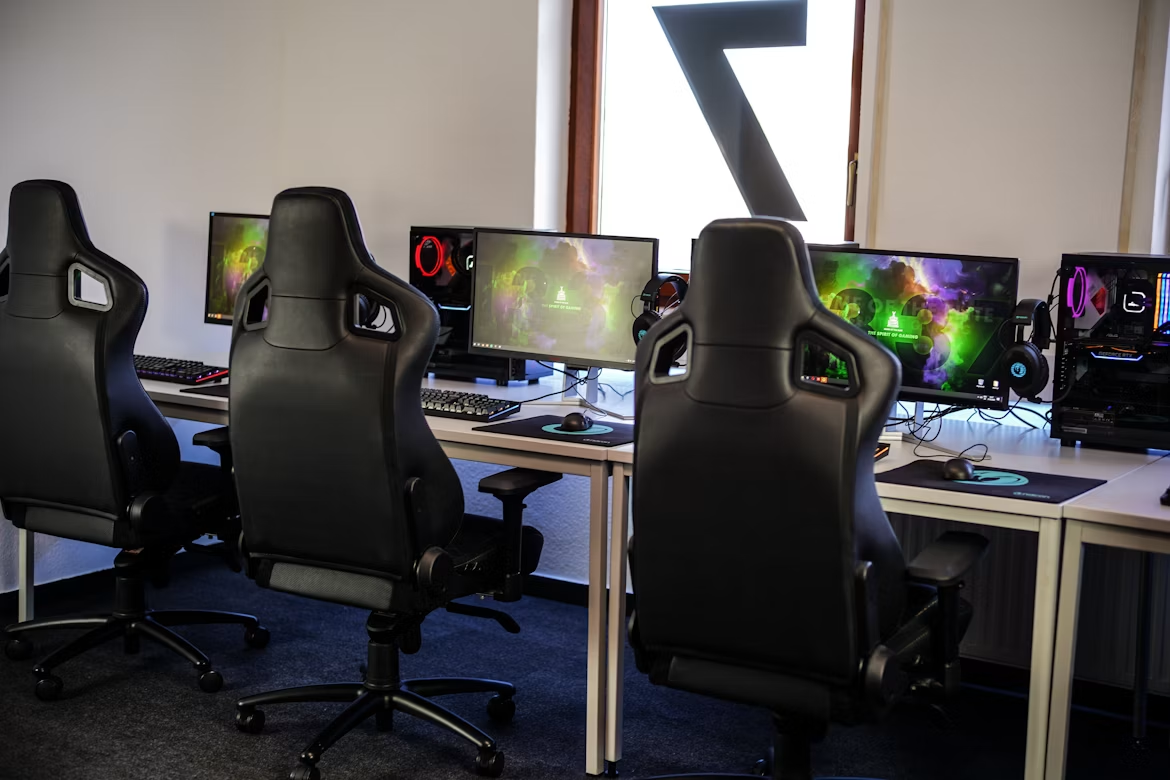
Many people choose a gaming chair based mainly on appearance.
While racing-style designs can look impressive, they should never be the main reason for buying a chair.
Another common mistake is ignoring adjustability. A chair that cannot be properly adjusted may not support your body correctly, regardless of its price.
It is also important to choose a chair that matches your height and weight rather than assuming one size fits everyone.
Conclusion
An ergonomic gaming chair is about much more than style. Its purpose is to support your body, encourage better posture, and improve comfort during long periods of sitting.
Features such as adjustable lumbar support, armrests, seat height, reclining functions, and quality materials all contribute to a better sitting experience.
When combined with regular movement and proper workstation setup, the right ergonomic gaming chair can become a valuable investment in both comfort and long-term well-being.
FAQs
Are ergonomic gaming chairs suitable for office work?
Yes. Many people use ergonomic gaming chairs for both gaming and working from home because of their adjustable features.
Is built-in lumbar support better than a removable cushion?
Both can work well, although built-in adjustable lumbar support often allows more precise positioning.
How long should a quality ergonomic gaming chair last?
A well-built chair can last for several years with proper care and regular maintenance.
Can a gaming chair improve posture?
A supportive chair can encourage healthier sitting habits, but maintaining good posture also depends on regular movement and correct workstation setup.